
ABOUT US
Connecting MLM operations
and commerce
Liliadviser designs and builds MLM ERP and mall-in-mall e-commerce software for network marketing companies, and stays responsible for operations and maintenance long after delivery.
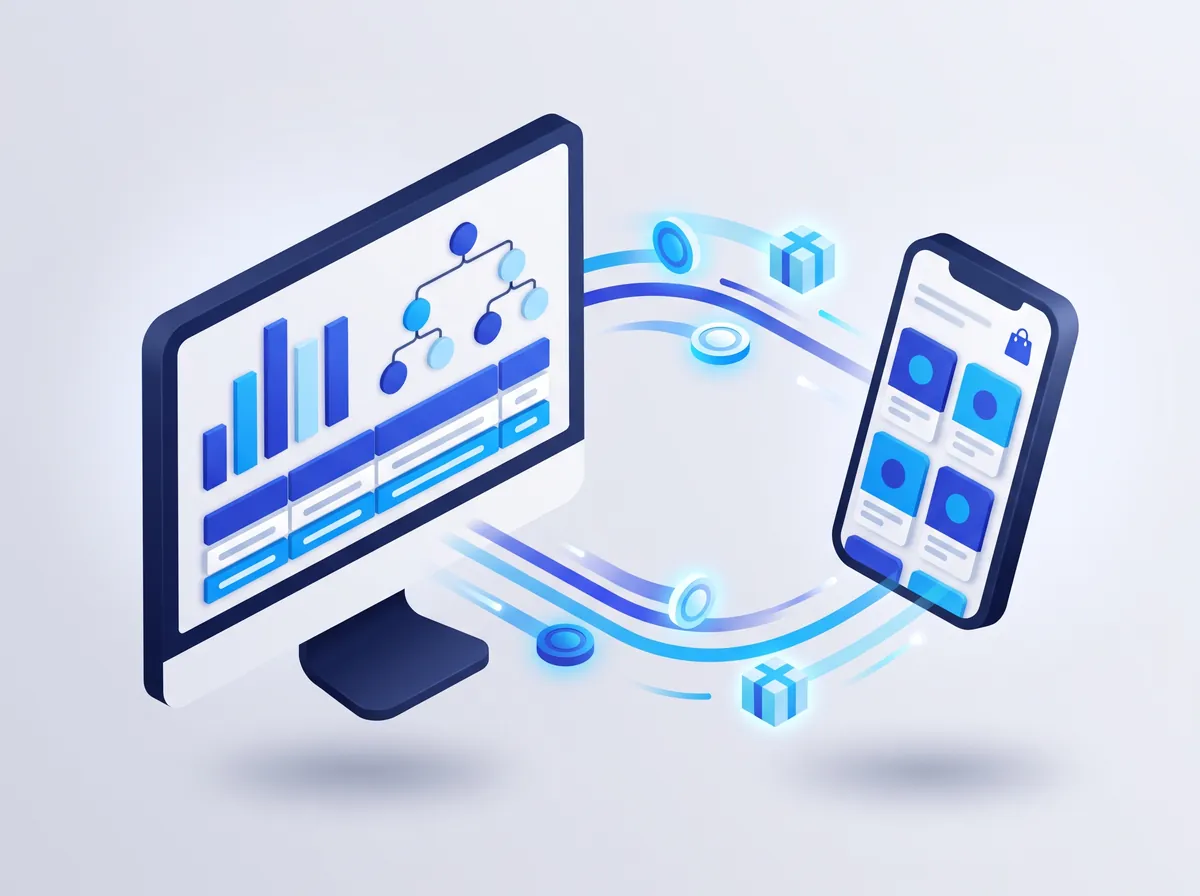
The two systems share member, point and order data. Members shop online, and headquarters carries those sales straight through commissions, fulfillment and regulatory reporting in the ERP.
- 2solutionsMLM ERP · Mall-in-Mall
- 9modulesIntegrated ERP modules
- 3admin portalsHQ · Shop master · Vendor
- 3languagesKorean · English · Thai
SOLUTION 01 · MLM ERP
MLM ERP Solution
Back office, member portal, customer screens and the commission server, delivered as one package.
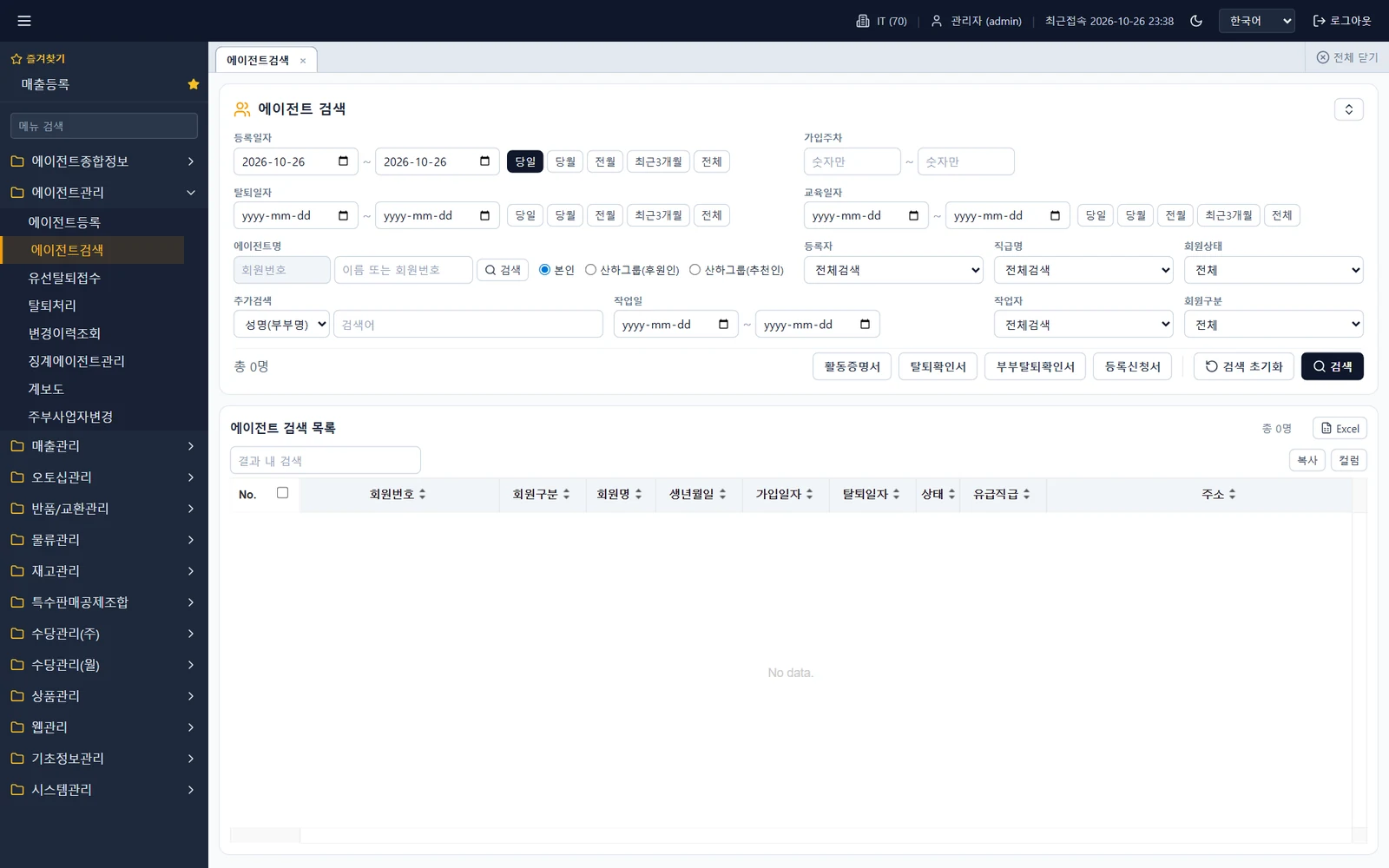
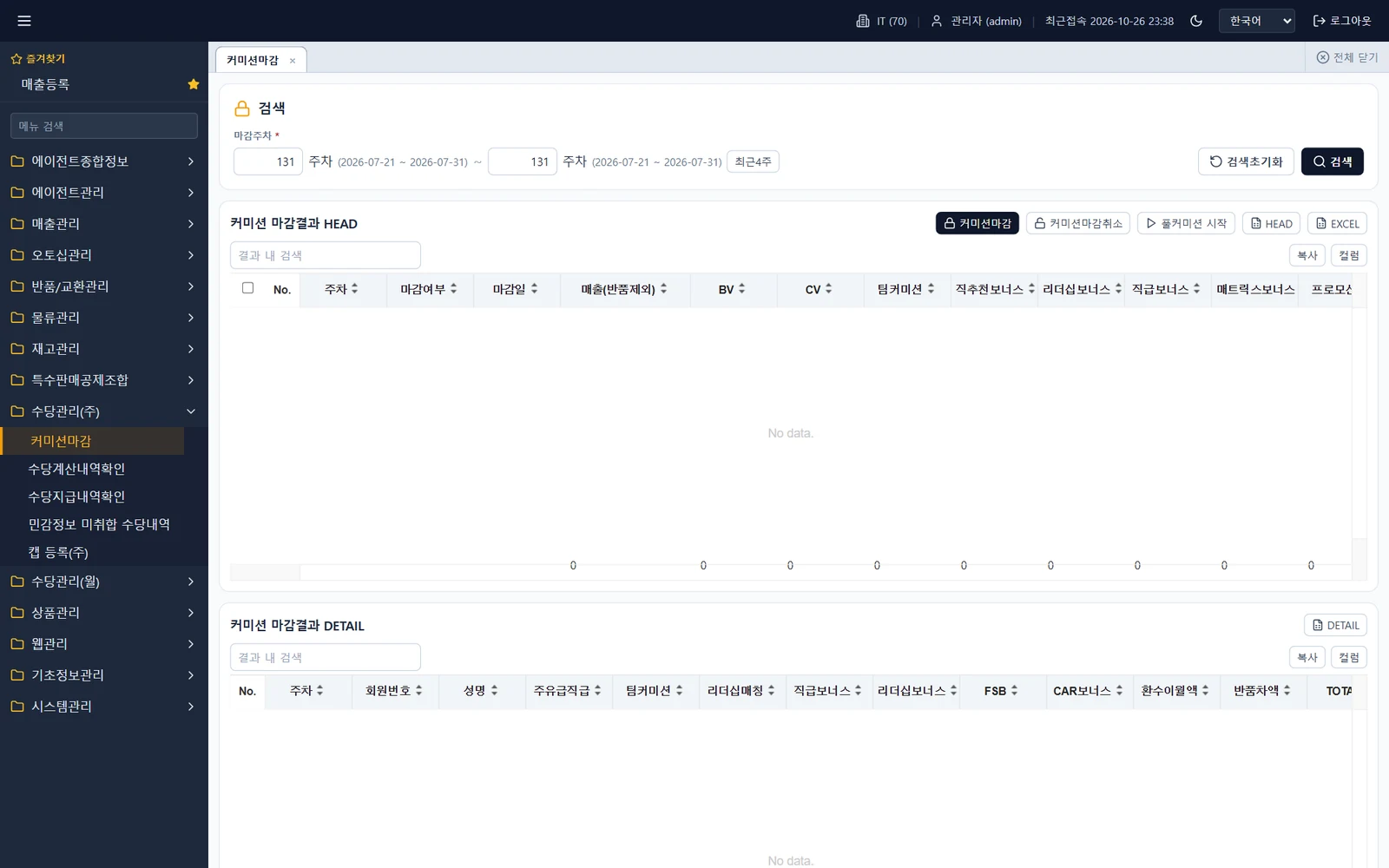
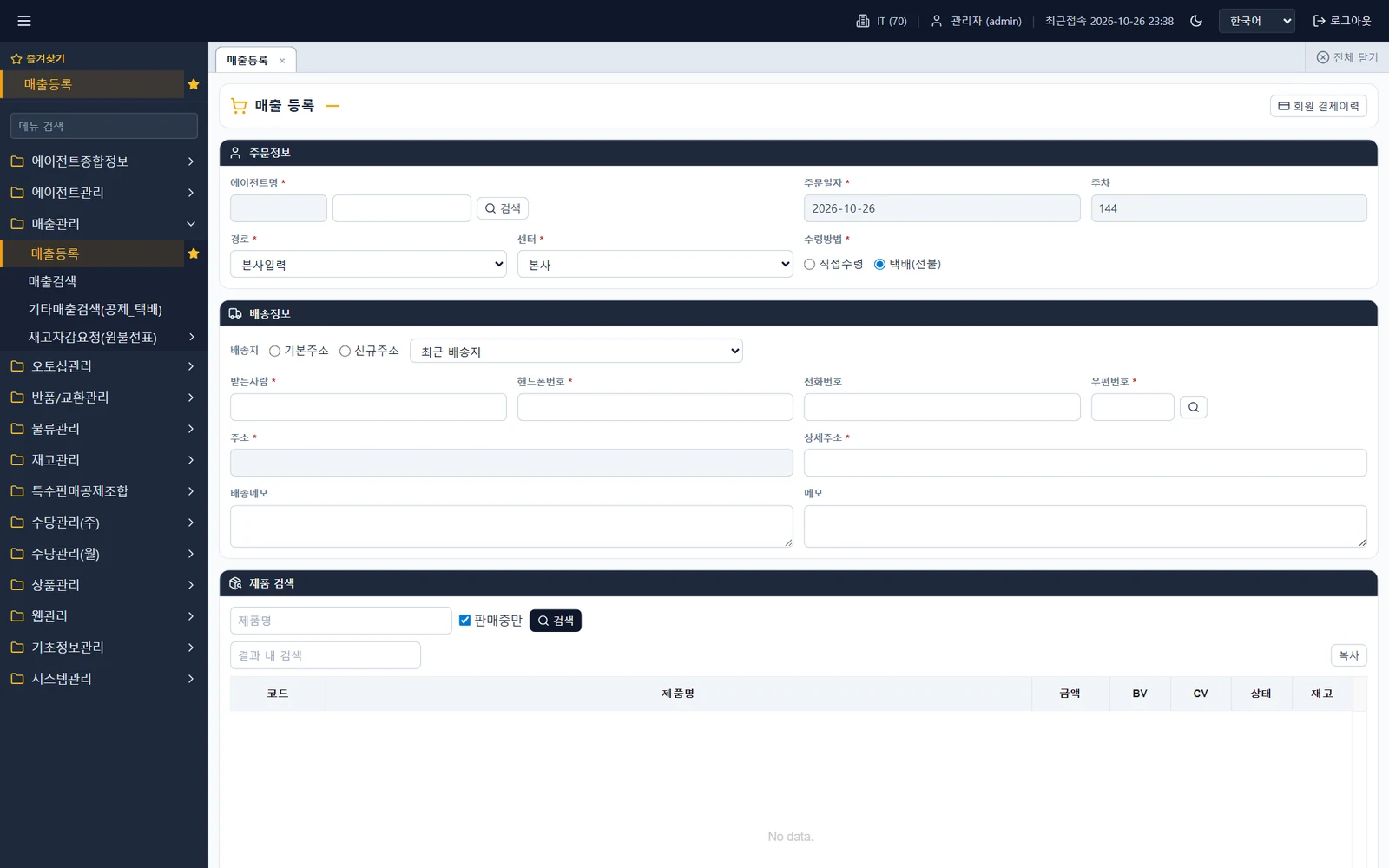
Open the admin.liliadviser.com demoERP Back Office
Headquarters back office for members, orders, commissions and logistics
Member Office & App
Member portal and iOS / Android app for volume, genealogy and earnings
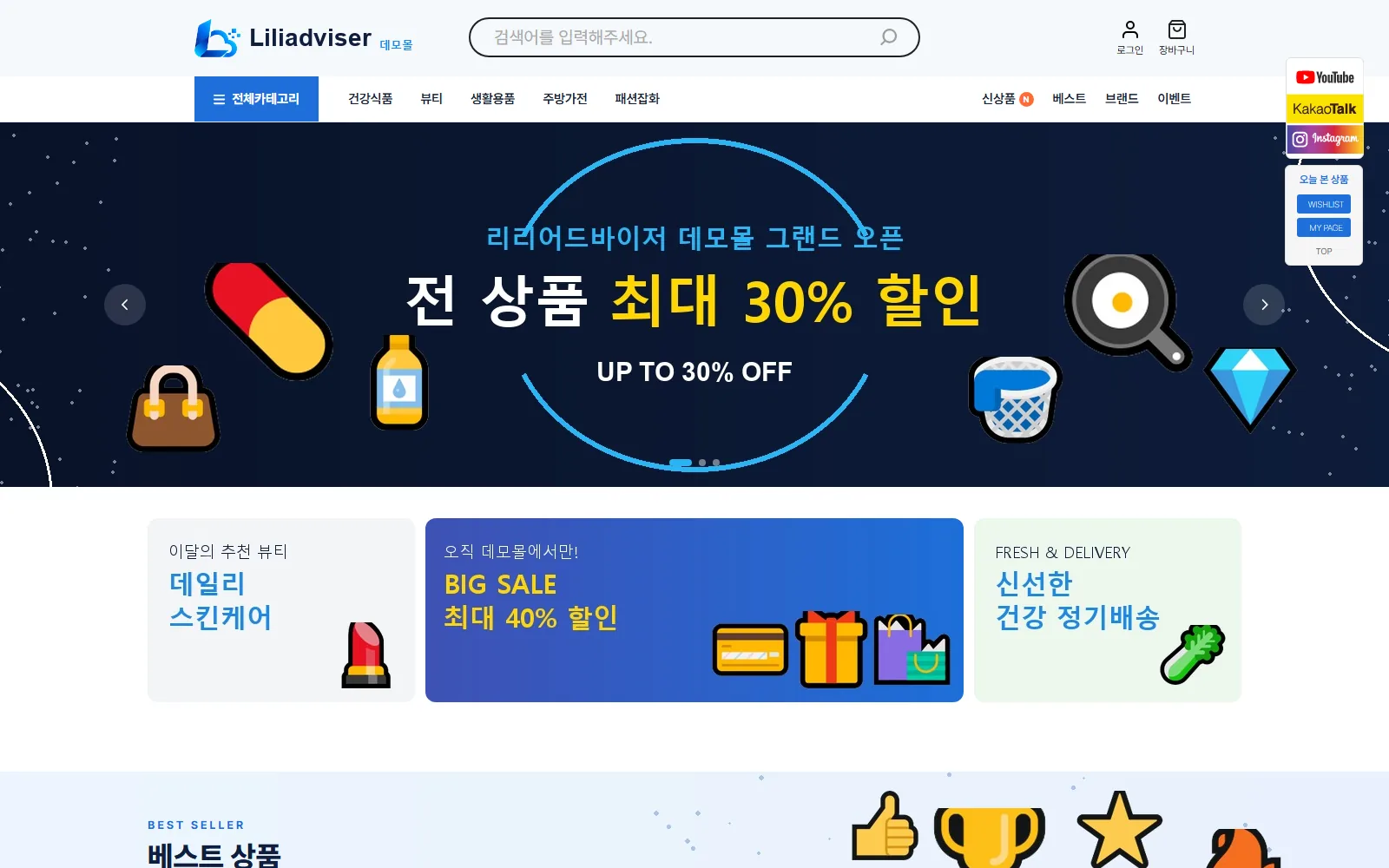
Mall-in-Mall Store
Multi-vendor store sharing members, points and orders with the ERP
Commission Batch Server
Settlement engine that calculates weekly and monthly commissions automatically
-
Member Management
Enrollment, updates, termination, discipline, ownership transfer, change history and certificates.
-
Genealogy & Downline
Sponsor and placement trees with fast downline volume lookups.
-
Commissions
Weekly and monthly runs, closing and rollback, commission caps and payout review.
-
Orders & Payments
Cards, virtual accounts, cash receipts and overseas payments (ChillPay in Thailand).
-
Returns & Exchanges
Partial returns, kit breakdown, deduction rates and refunds in one flow.
-
Logistics & Inventory
Picking orders, tracking numbers, shipment confirmation, transfers between centers and stock ledgers.
-
Autoship
Subscription orders, recurring payments, free gifts and per-cycle discounts, fully automated.
-
Regulatory Reporting
Real-time reporting of sales, cancellations, returns and exchanges to Korea's direct selling mutual aid association, with automatic resend on errors.
-
Multi-language & Multi-country
Korean, English and Thai screens with country-specific tax and payment rules.
SOLUTION 02 · MALL-IN-MALL
Mall-in-Mall Commerce Solution
Multiple vendors sell inside your company store. Expand your product range while headquarters manages fees and settlements in one place.
Open the shop.liliadviser.com demo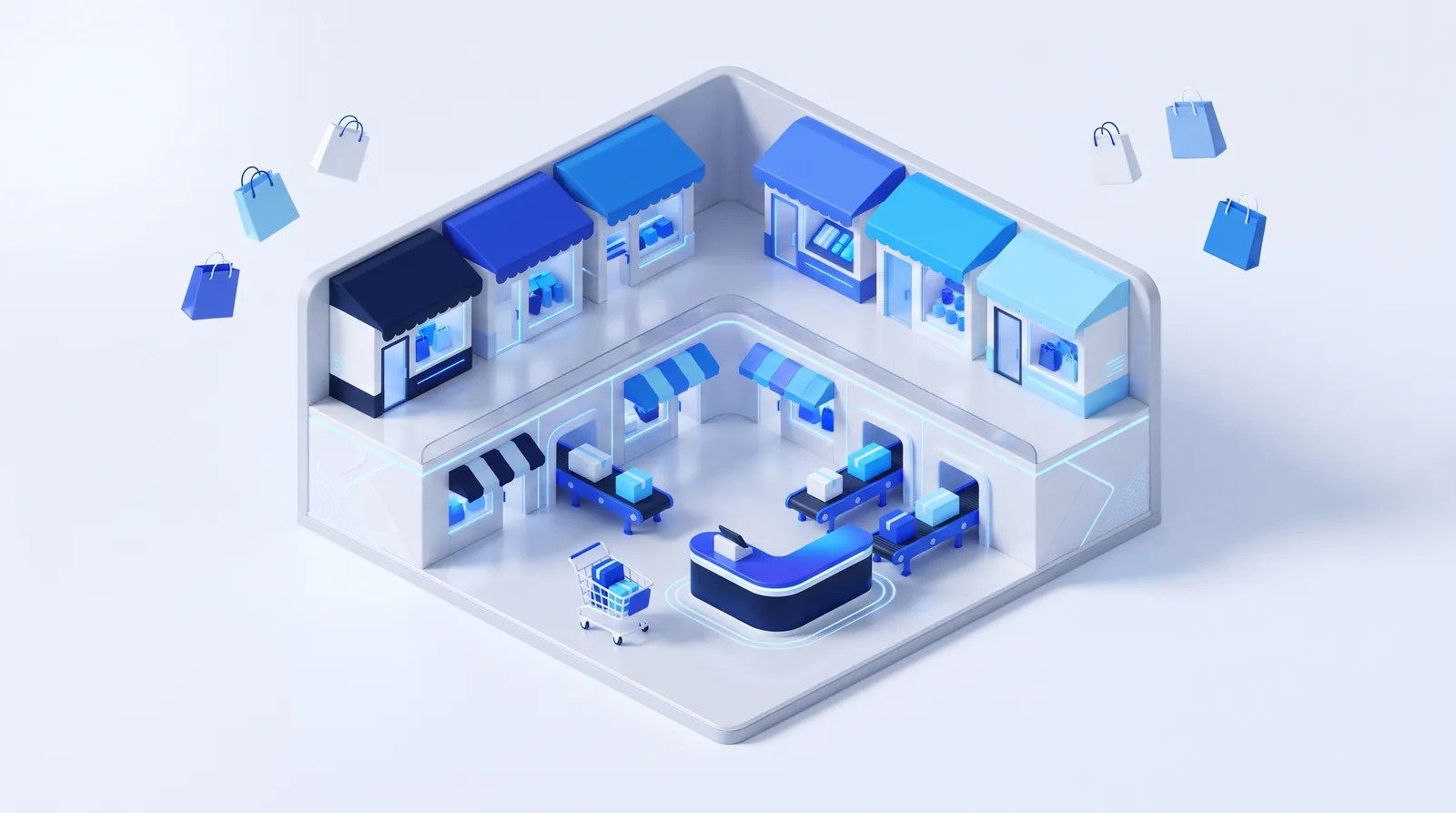
-
Shop Master Admin
Headquarters admin for the whole store: vendor approval, category and vendor fees, settlement closing, membership tiers, coupons, promotions and storefront design.
-
Vendor Admin
A dedicated portal for vendors to list products and brands (including bulk Excel upload), confirm their orders, enter tracking numbers, review settlements and answer customer questions.
-
Shoppers
Order company and vendor products in a single cart, use points and coupons, and track orders or request cancellations and returns from My Page.
-
Vendor Management
Applications and approval, vendor profiles and payout accounts, vendor notices and Q&A boards.
-
Automatic Fee Pricing
Set fees by category or vendor and supply prices are recalculated across all products.
-
Vendor Settlement
Settlement cycles based on purchase confirmation, payment fees included, monthly totals and settlement status.
-
Partner Malls
Syndicate the same catalog to partner malls on their own domains, with separate prices and bulk pricing per mall.
-
Points, Coupons & Tiers
Sign-up, birthday and review rewards, order and mobile coupons, and tier-based benefits.
-
Design & Promotions
Edit the home page, banners, pop-ups and promotion pages directly from the admin.
INTEGRATION
ERP and store,
running on the same data
No more reconciling two separate systems in spreadsheets. Both systems use the same members, the same points and the same orders.
MLM ERP
Members · Genealogy · Commissions · Logistics
- MembersStore sign-up → ERP member registration · ERP member verification
- PointsStore rewards → ERP point balance, updated in real time
- OrdersStore orders → ERP orders and sales, created automatically
- CancelsStore cancellations → ERP sales reversed at the same time
- AlertsSign-up and order texts sent through the ERP messaging system
Mall-in-Mall
HQ · Vendors · Partner malls
-
Every purchase counts as volume
What members buy in the store is booked as ERP sales and feeds rank and commission calculations directly. No re-entering orders to get credit.
-
One points wallet
Rewards earned in the store show up in the ERP point balance immediately. Members see the same balance everywhere, and headquarters keeps a single points ledger.
-
A wider range through vendors
Vendors fill the gaps your own products leave, such as household goods and food. Members visit more often, and headquarters earns fees without holding inventory.
-
Consistent sales and reporting
Store orders and cancellations are recorded as ERP orders, so commissions, fulfillment and regulatory reports all reconcile to the same sales figures.
-
Reports by center and region
Group online sales by the ERP center and regional leader structure, and see at a glance which organization they came from.
-
Enter once, update both
Handle a sign-up, a point adjustment or a cancellation on one side and the other side follows. Double entry and month-end reconciliation shrink.
MEMBER MALL
A personal store for every member,
every shared link builds volume
When members share their personal store link on messaging apps or social media, the sign-ups and purchases it brings in are credited to them as referral volume in the ERP.
-
1
A personal store opens automatically
Every MLM member registered in the ERP gets a personal store at a unique address. Products, prices and stock match the company store; members only pick a photo, a greeting and featured products.
-
2
Share by link, QR code or product link
Members grab their store link and QR code from the member office and send them by chat, text or social media, or share a link to a single product.
-
3
The referrer is assigned automatically
When a visitor signs up through the link, the member who shared it is registered as the referrer and the ERP genealogy is updated. No referrer ID to type in.
-
4
Purchases turn into sales and commissions
Orders from the personal store are registered as ERP orders and count toward the member's volume and commissions, which members can check right away in the member office.
-
Automatic genealogy placement
Customers who join through a personal store are placed under the sharing member in the ERP genealogy immediately. No manual referrer matching.
-
My store performance
Visits, sign-ups, orders, sales and the resulting commissions, by date, in the member office.
-
My customers
See who joined through your link and when they are due to reorder, and invite them to autoship.
-
Shared points & benefits
Customer points and coupons show the same balance in the store and the ERP, with separate member and retail pricing.
-
Controlled by headquarters
Headquarters controls which products, prices and descriptions appear. Members cannot change prices or post exaggerated claims, which helps with compliance.
-
Vendor products included
Mall-in-mall vendor products can appear in personal stores too, giving members a wider range to recommend.
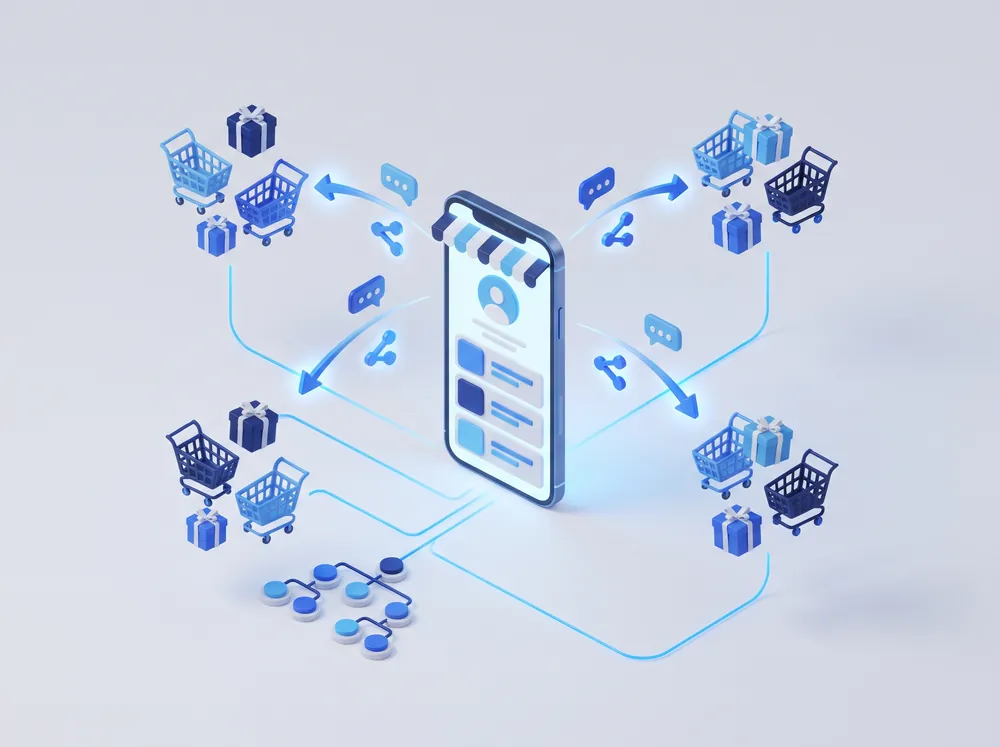
Because the ERP and the store were built to work together from day one, members, genealogy, orders and points are shared without any extra integration work. Unlike bolting a referral feature onto a separate store, personal store sign-ups and purchases become ERP volume immediately.
MOBILE APP
The app members open every day,
with results on the home screen
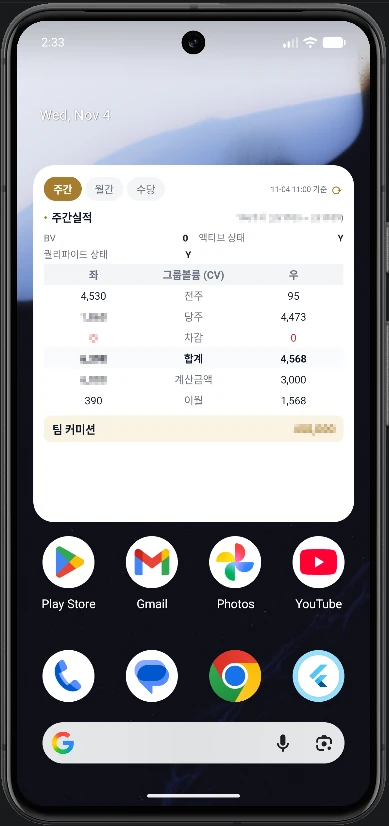
We build iOS and Android member apps as well. The member office and store live inside the app, and home screen widgets and push notifications reach members before they even open it.
-
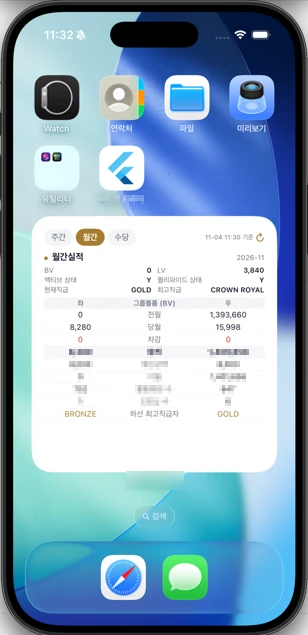
Home screen performance widget
Switch between weekly results, monthly results and commissions with tabs, right on the home screen. BV, left and right group volume, rank and active / qualified status, all without opening the app. Available on iOS (interactive widgets) and Android.
-
FCM push notifications
Instant alerts for commission payouts, rank advancements, sign-ups through your link, orders and shipping, and autoship payment results. Headquarters can target notices and promotions by member, rank or country.
-
iOS and Android from one codebase
One codebase for both platforms, reusing your existing member office and store screens for a fast launch. Payment apps such as Korean card-issuer apps work exactly as they do on the web.
-
Secure widget access
Widgets load data only with a dedicated token issued by the signed-in app. When the member logs out or the session expires, the widget data is cleared immediately.
-
Multi-language & multi-country
Widget and notification text follows each member's country, such as Korean or Thai. New fields are added through server settings alone.
PROCESS
With you from rollout to operations
- 01
Consulting & Requirements
We review your compensation plan, operating policies and existing systems together.
- 02
Build & Data Migration
We configure and develop to your policies and migrate existing member and order data.
- 03
Launch & Stabilization
We run the old and new systems in parallel to verify commissions and sales before going live.
- 04
Maintenance
Ongoing support for policy changes, new features and incident response.
DEMO
Try the live demos
These demos run on the same code as our production systems. Some menus are disabled in the demo.
MLM ERP
admin.liliadviser.com
A demo account is pre-filled on the login screen.
Mall-in-Mall
shop.liliadviser.com
- Shop Master AdminVendor approval · Fees · Settlement · Design
- Vendor AdminProduct listing · Orders · Tracking · Settlements
- ShopperShopping · Points · Order history
Demo accounts are pre-filled on each login screen.
MLM ERP screens
Mall-in-mall store screens
Click an image to enlarge it. Demo screens are in Korean; products and orders in the store screens are sample data.
CONTACT
Get in touch
Tell us about MLM ERP, mall-in-mall commerce, member app development, migrating from an existing system or maintenance. We will reply to the email address you provide.
Emailadmin@liliadviser.com